One app, from tag to track.
Generate and scan barcodes, organise assets into collections, print labels, and export anywhere — online with Lansweeper or fully offline. Here’s the full picture, screen by screen.
Barcodes
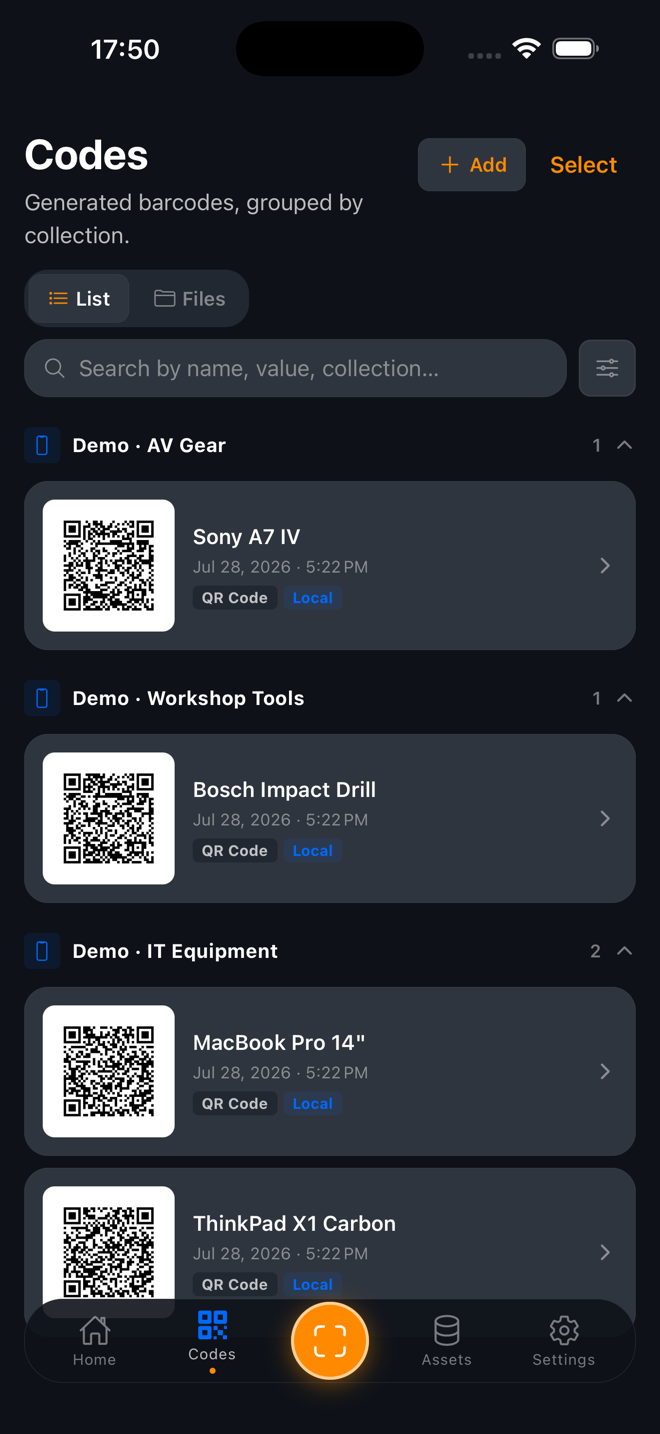
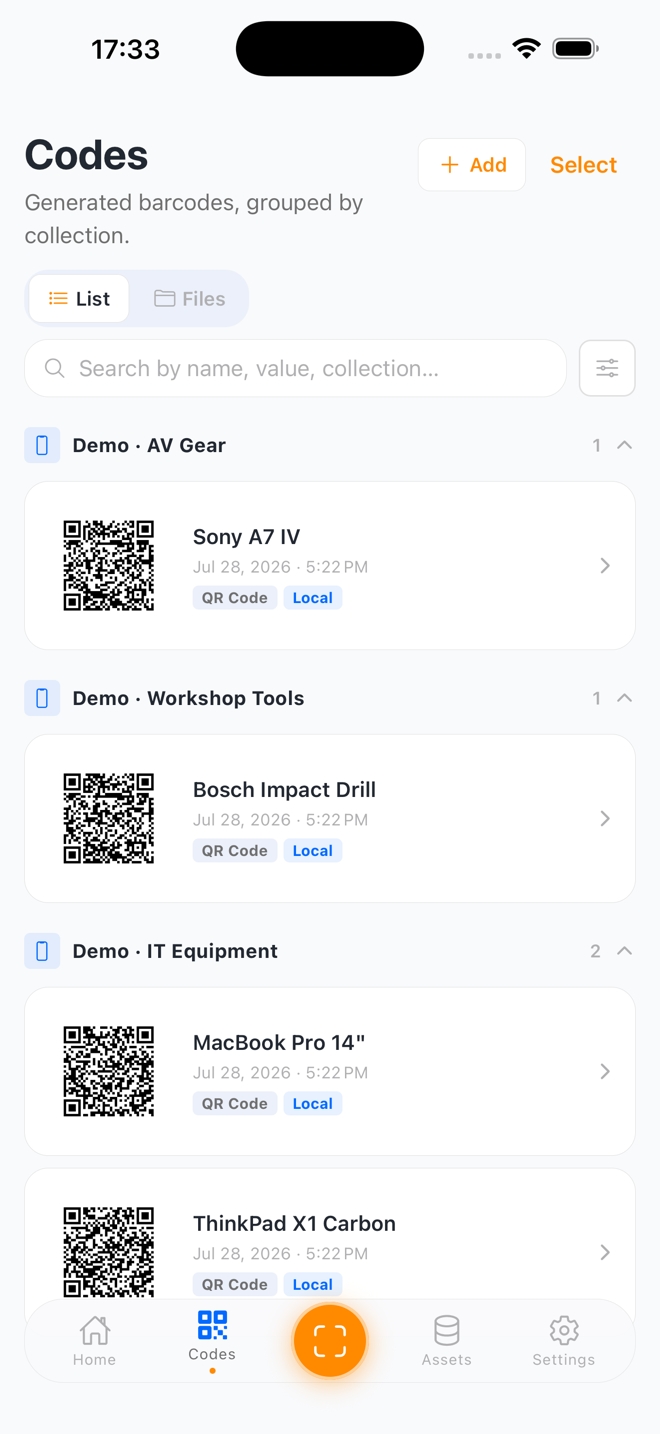
Generate & manage every code
Create QR codes and Code 128 barcodes for any asset, grouped by collection. Need a code that isn't tied to an asset? Make a standalone Wi-Fi, link, or plain-text QR in a tap.
- QR & Code 128, generated on-device
- Standalone Wi-Fi / link / text codes
- Embed extra field values into the QR
Collections
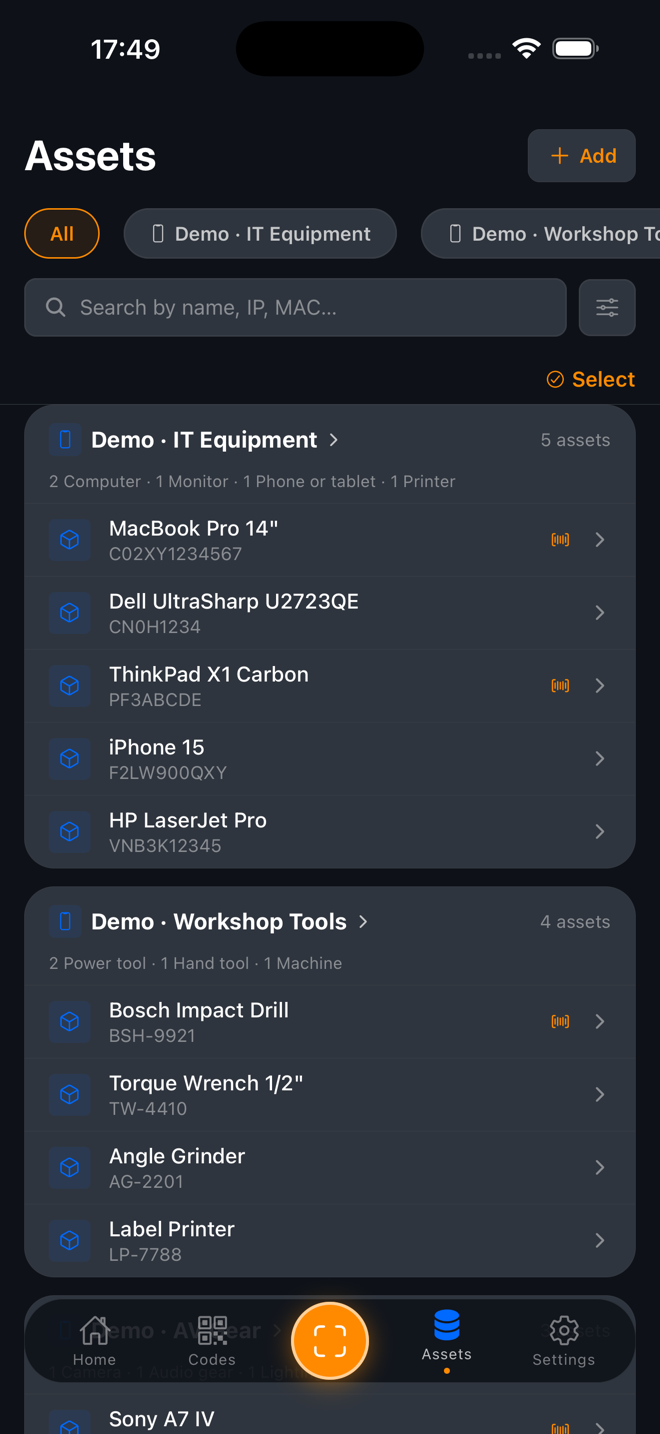
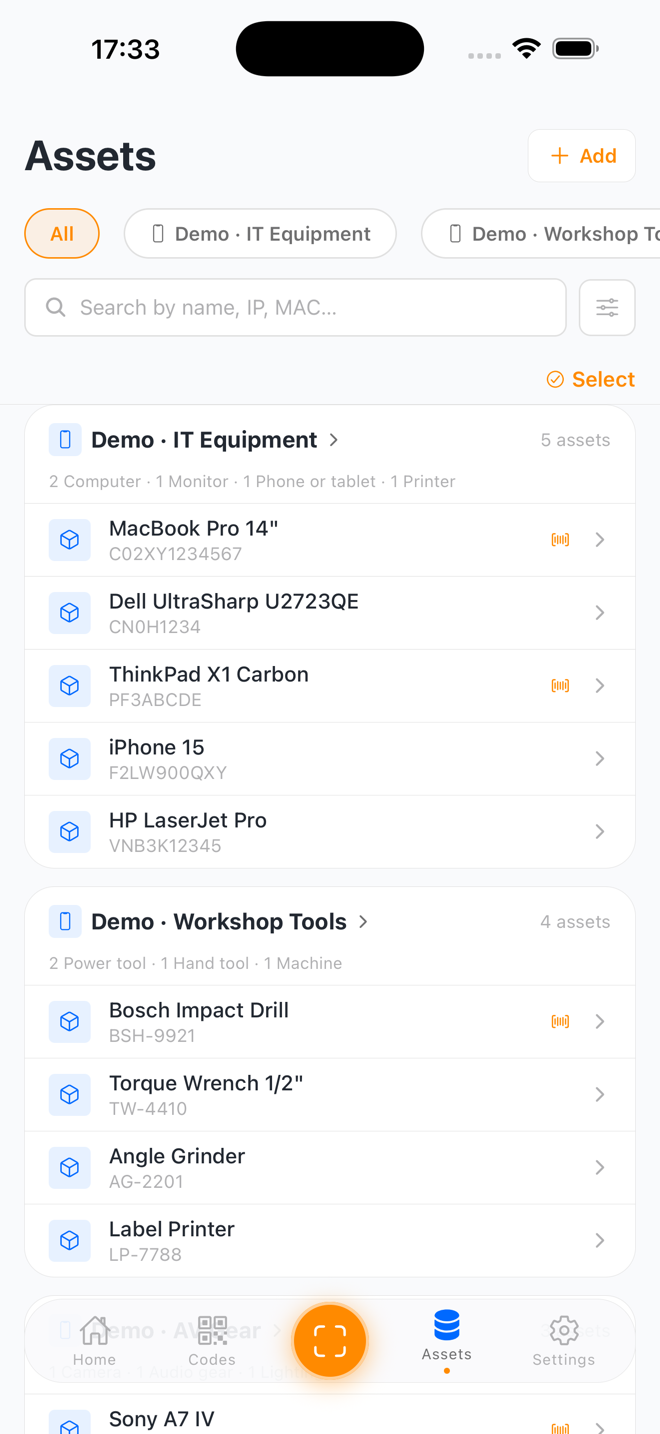
Organise assets your way
Build local collections for IT equipment, tools, AV gear, furniture — anything. Start from a ready-made kit or design your own fields, and mix several asset types in a single collection.
- Ready-made starter kits or build your own
- Filter chips per asset type
- Works fully offline
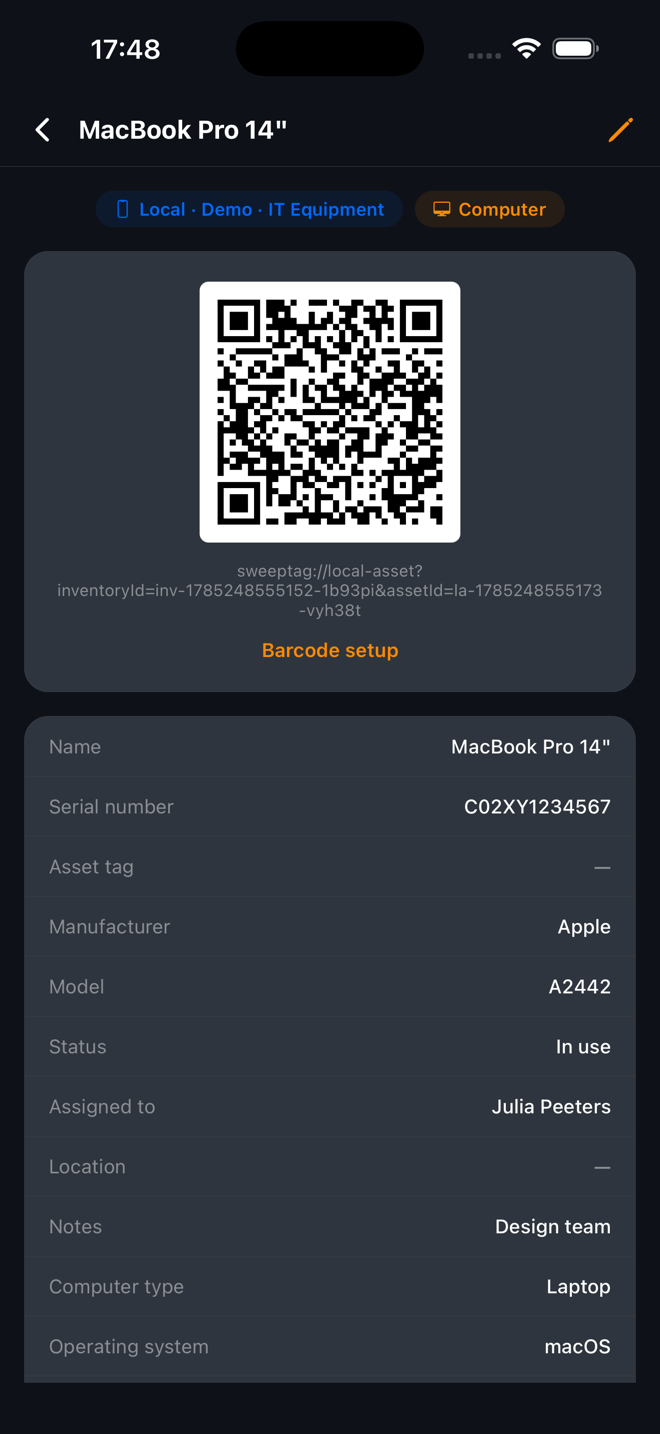
Asset records
Rich detail behind every tag
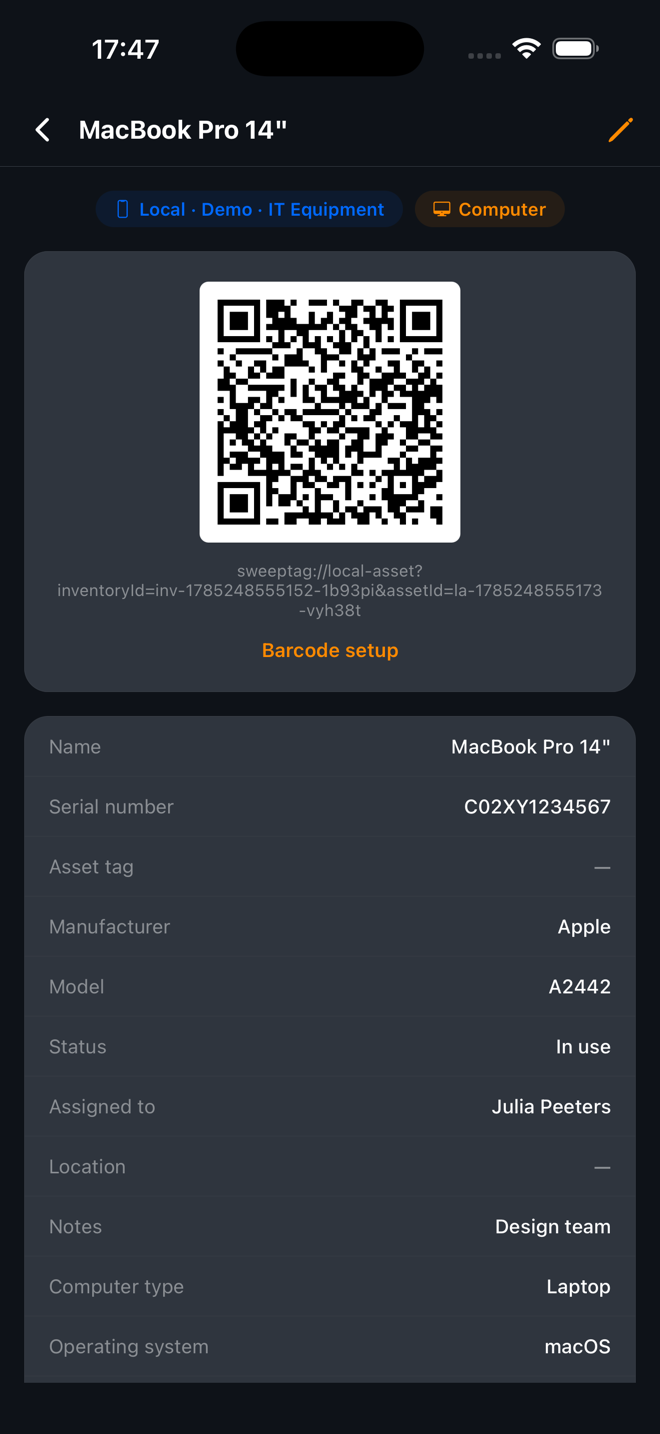
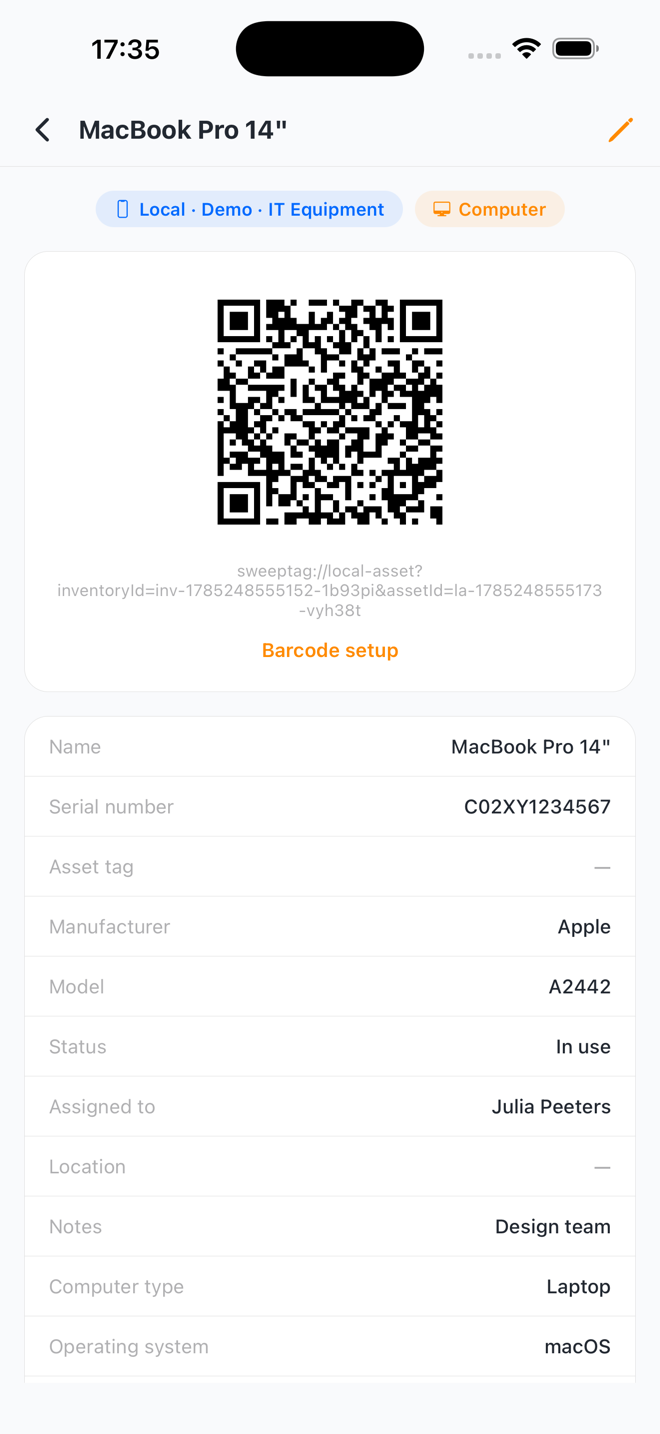
Each asset carries the collection's shared fields plus extra fields for its type — serial, model, owner, operating system, and more — with its barcode right at the top, ready to print or share.
- Shared fields + per-type fields
- Barcode setup per asset
- Deep-link back into the app when scanned
Overview
See your progress at a glance
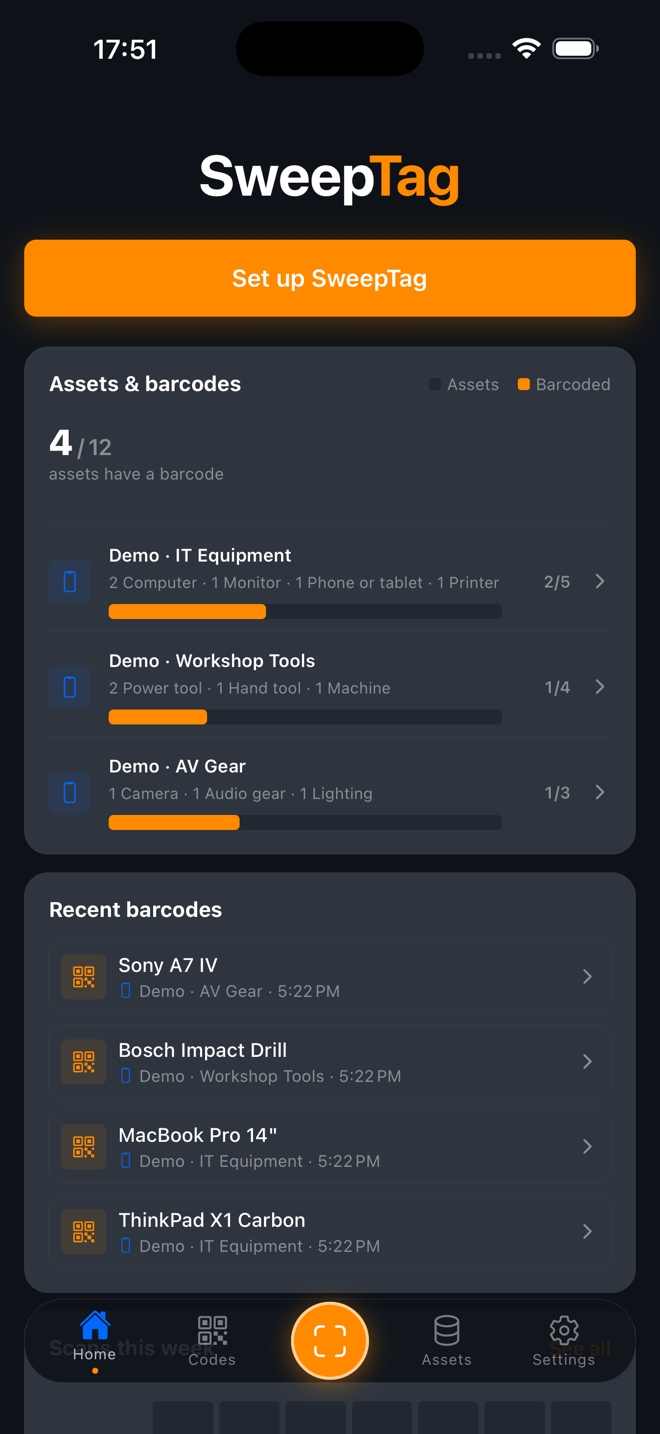
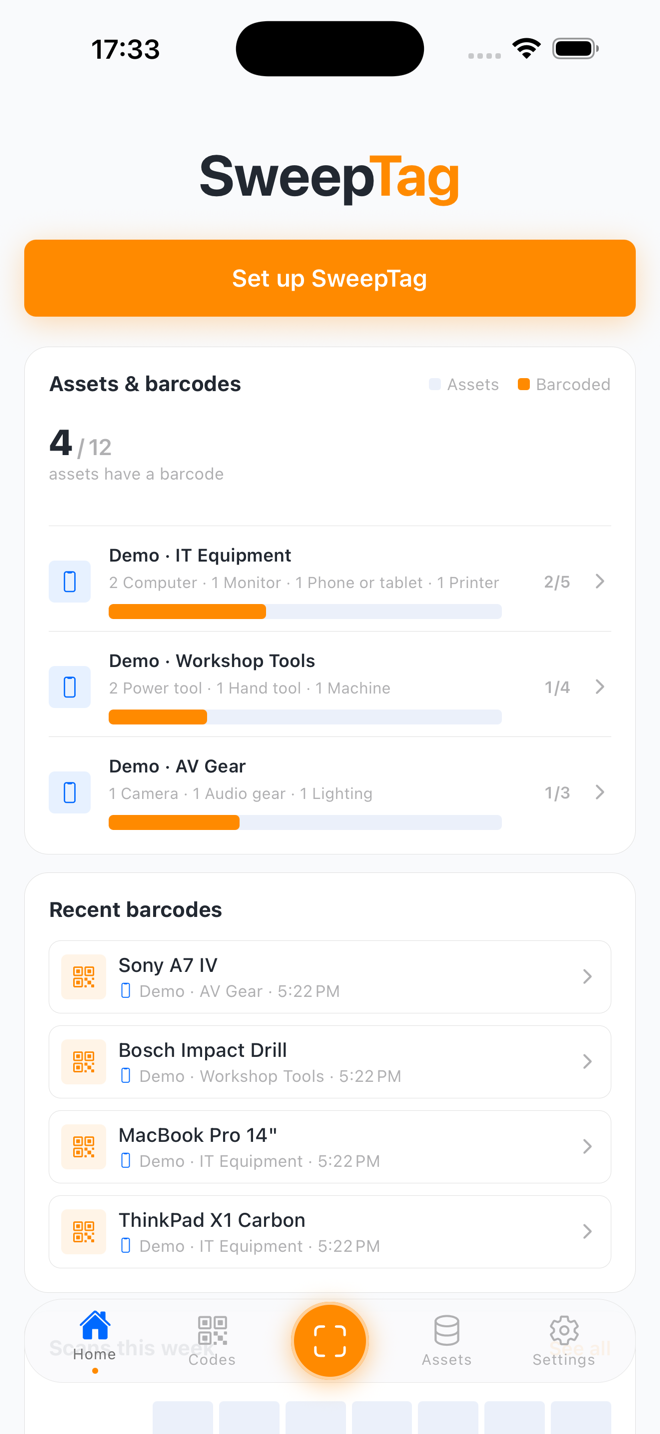
The home dashboard shows how many assets are barcoded across each collection and your most recent codes — so you always know what's tagged and what's left.
- Barcoded-vs-total progress per collection
- Recent barcodes at a glance
- Jump straight into setup
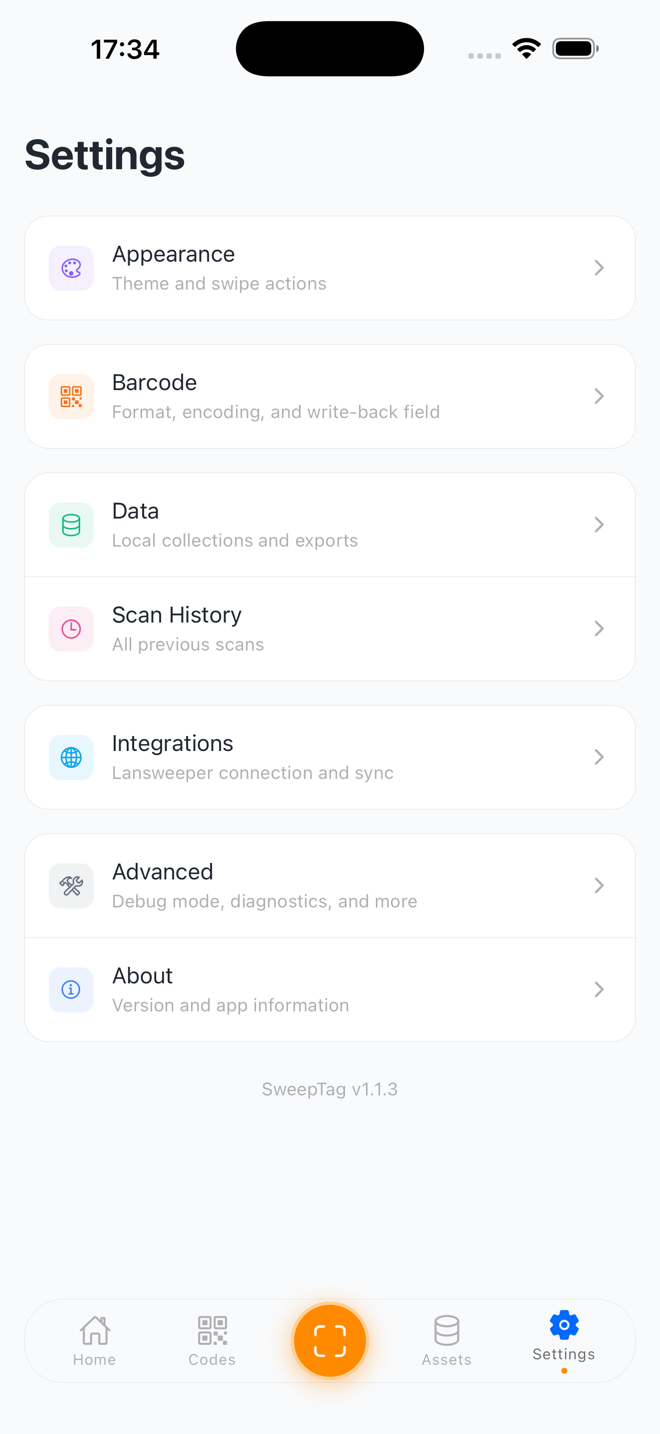
Settings & data
Configure, export & stay private
Tune barcode format and encoding, connect Lansweeper, and export your data as CSV/JSON — or mirror the barcode files out to a folder, SMB share, iCloud, OneDrive, or Google Drive. Everything stays on your device until you choose to export.
- Export CSV/JSON or mirror files to cloud/folder
- Lansweeper connection & write-back
- On-device activity log (credentials redacted)
Everything at a glance
The complete SweepTag toolkit — barcode, organise, scan, print, and export.
Generate any barcode
QR codes and Code 128 barcodes for any asset — IT equipment, tools, collectibles, anything you want to track.
Scan & log
Scan barcodes with your camera and log every interaction, with searchable scan history — perfect for field work.
Collections & asset types
Track computers, monitors, tools and more in one collection — shared fields for all, plus extra fields per type.
Lansweeper integration
Connect your Lansweeper instance to barcode your IT infrastructure: multi-site browsing and write-back to a custom field.
Standalone codes
Create Wi-Fi, link, and plain-text QR codes with no asset attached — great for guest networks and quick shares.
Print professional labels
Turn barcodes into print-ready label sheets for your equipment, shelves, and asset tags via AirPrint.
Export & mirror files
Export CSV/JSON, or mirror the barcode files out to a folder, SMB share, iCloud, OneDrive, or Google Drive.
Virtual file trees
Organise barcodes into folder structures — by collection, format, asset type, or a custom field.
Offline-first & private
Local collections work fully offline and stay on your device. An activity log helps diagnose exports and sign-in.
Ready to tag your first asset?
Download SweepTag on iOS or Android, or read the knowledge base to see how it all fits together.